How to register a TTN account and connect gateway & sensors?
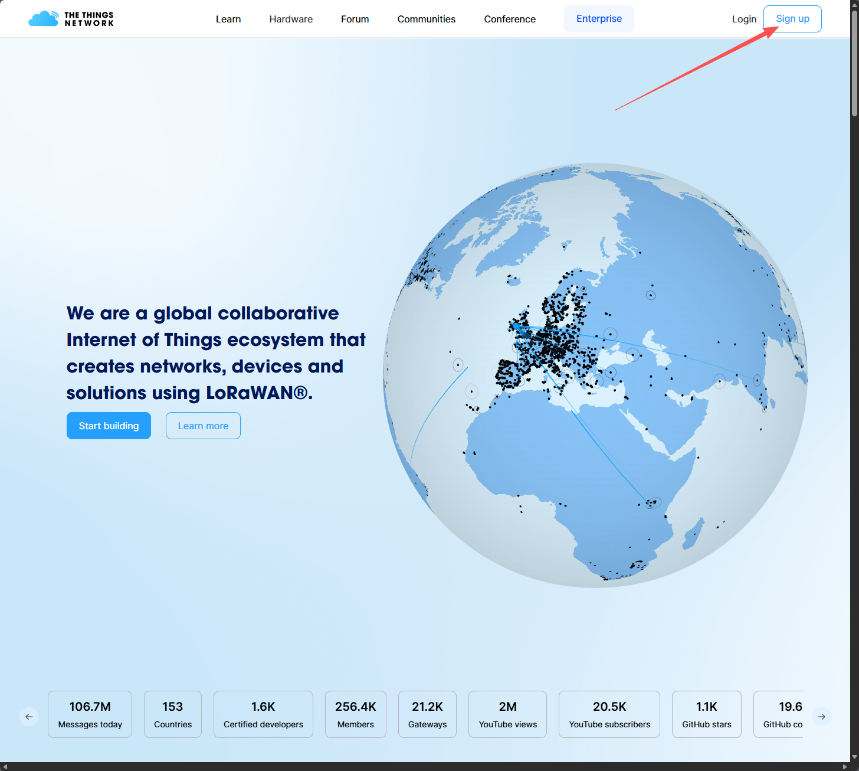
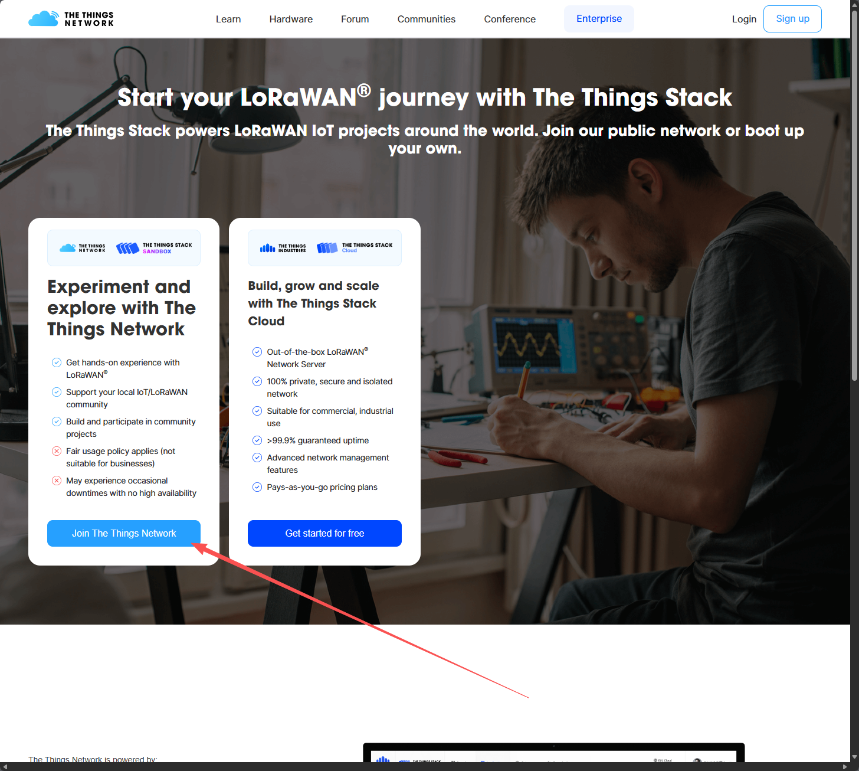
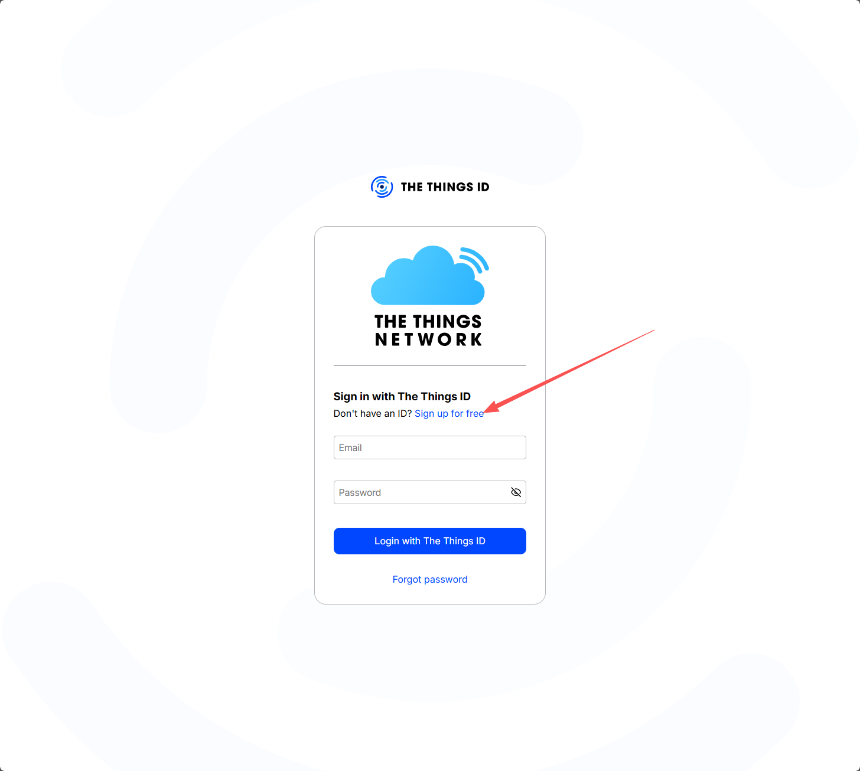
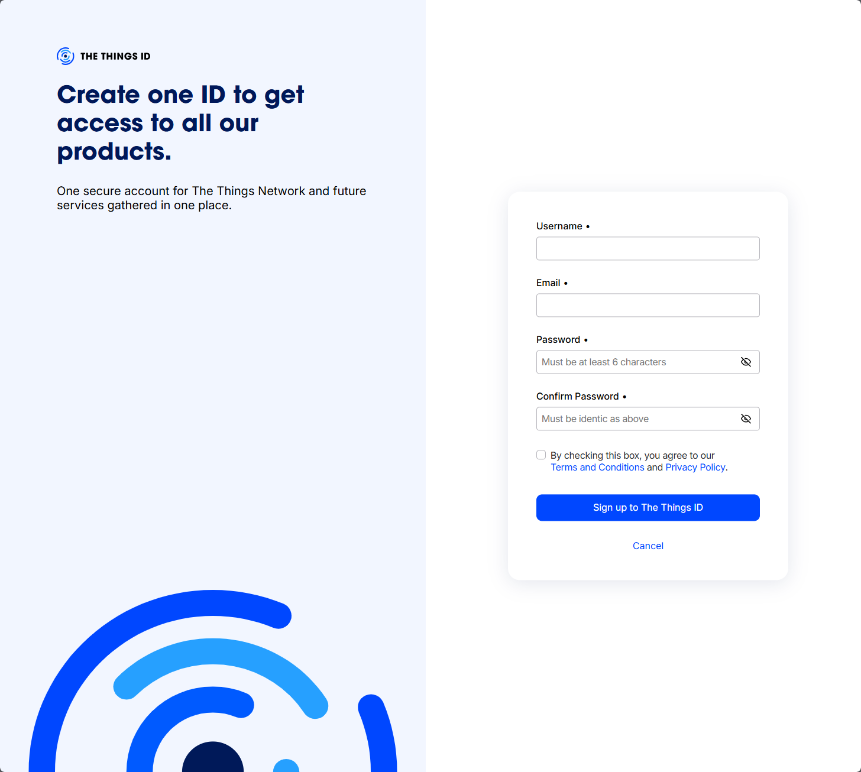
1. Register a TTN account
https://id.thethingsnetwork.org/oidc/interaction/NYqiq-Uu3V_sg3Lz54Onk/register
2. Access and Configure gateway(Use Dragino LPS8N as a reference device)
Next, you need to configure the gateway and register it with TTN. The following are the gateway configuration methods provided by Dragino:
Step 1: Get a Unique gateway ID.
Every LPS8N has a unique gateway id. The ID can be found at LoRaWAN page:
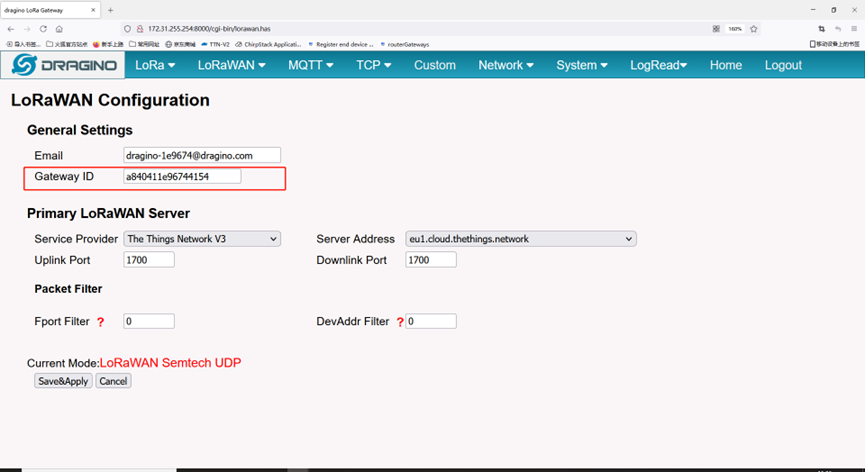
The example gateway id is: a840411e96744154
Step 2: Choose the TTNv3 Cluster Picker
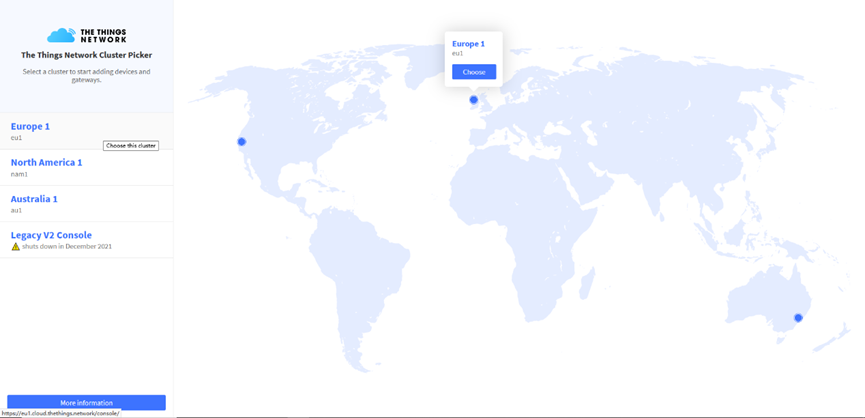
Note: Choose the cluster corresponds to a specific Gateway server address
- Europe 1 corresponding Gateway server address: eu1.cloud.thethings.network
- North America 1 corresponding Gateway server address: nam1.cloud.thethings.network
- Australia 1 corresponding Gateway server address: au1.cloud.thethings.network
- Legacy V2 Console : TTN v2 shuts down in December 2021
Step 3: Create a Gateway
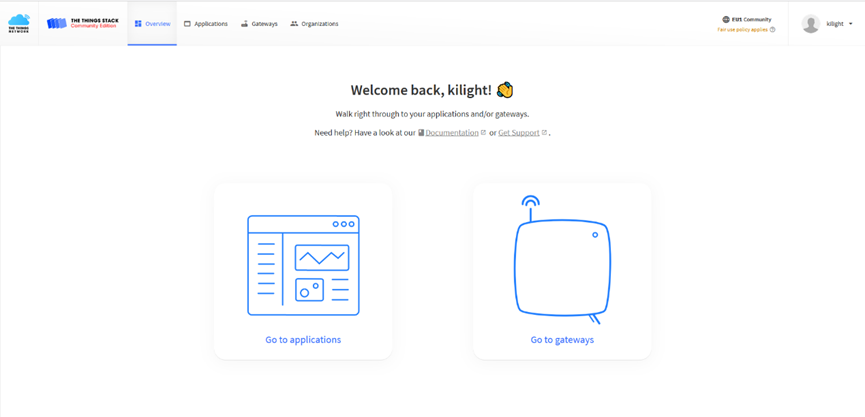
Click the Gateway icon and then click Add gateway.
Open the following page:
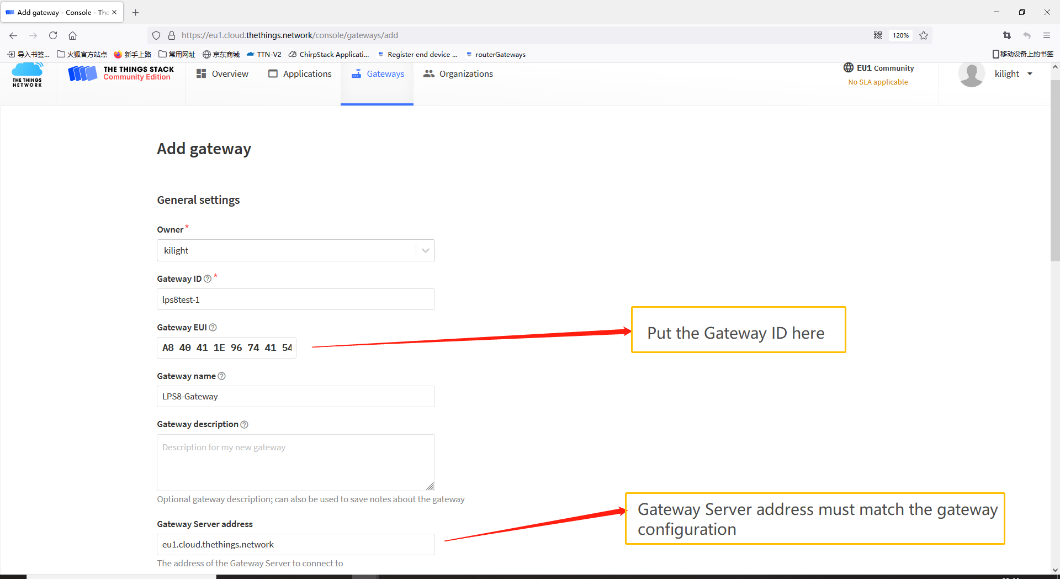
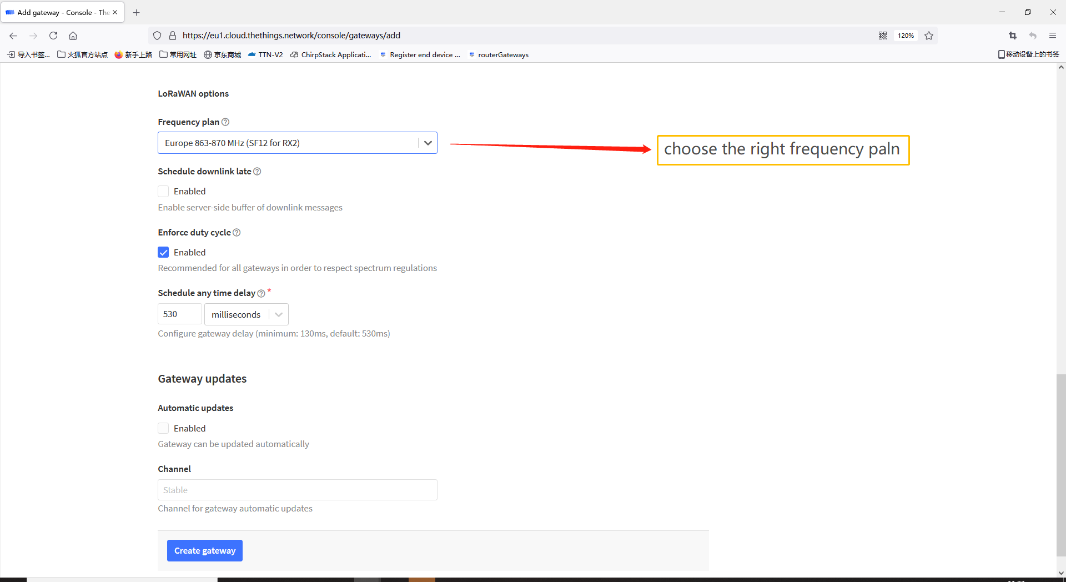
Notice: Gateway Server address must match the gateway configuration, otherwise you will have problem for End Node to join the network.
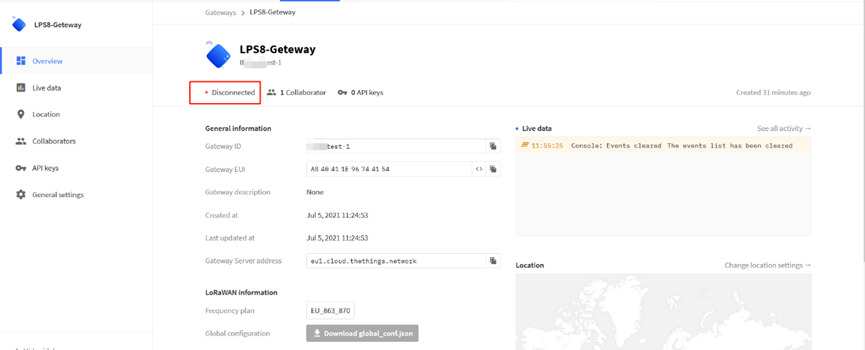
After creating the gateway, you can see the gateway info, as below.
3. Register sensor on TTN ( Use Dragino LT-22222-L IO Controller as a reference device)
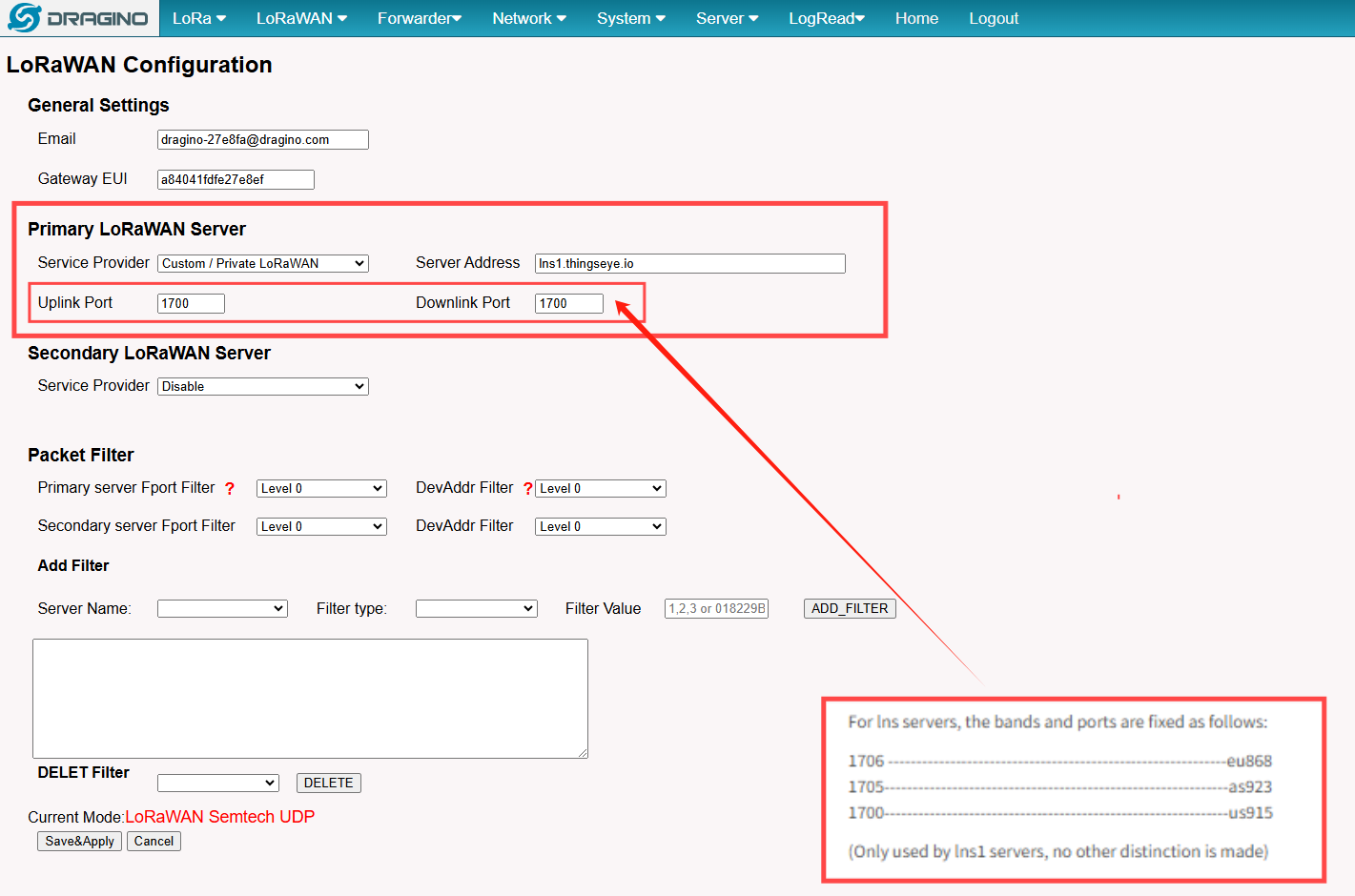
Please note that the frequency band used by the device and the frequency band used by the gateway must be consistent; otherwise, a connection cannot be established.
At the same time, the port must correspond one-to-one with the frequency band.